
Webflow SEO Checklist for Service Business Websites
By EssDeeJay Engineering Team · Updated
Check Webflow page titles, CMS metadata, canonicals, indexing, sitemaps and enquiry journeys before launch, with a practical ongoing review process.
The quick answer
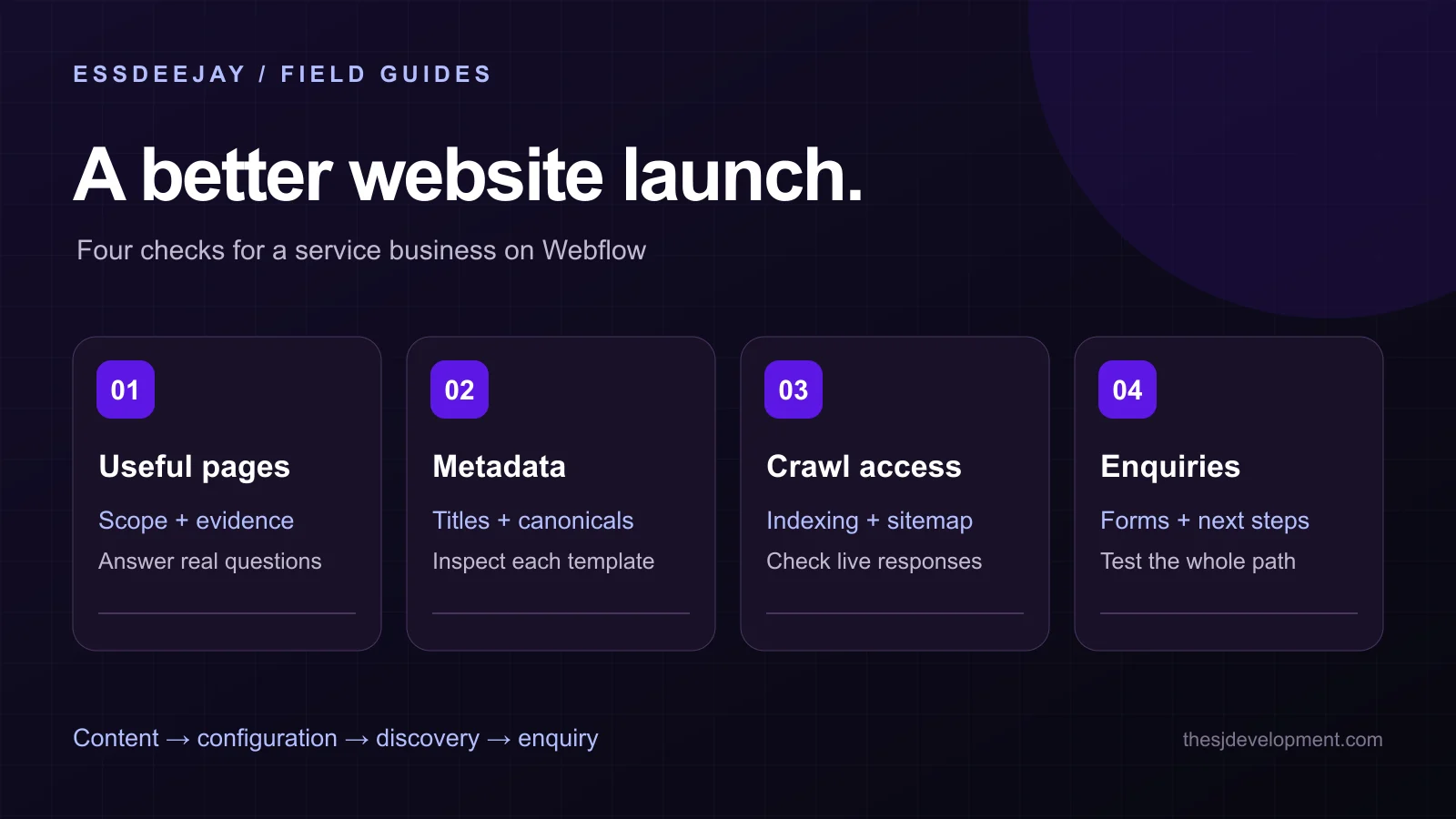
A Webflow SEO audit should check both the published website and its settings. Start with useful service pages, set distinct titles and descriptions, connect CMS metadata to appropriate fields, confirm canonical URLs and indexing controls, and verify the sitemap. Then test the action a visitor should take after finding the page.
This checklist focuses on service businesses: agencies, property businesses, consultants and other teams that need qualified enquiries. The workflow is our recommended review process. Webflow references were checked on November 9, 2026.
Give each service page a clear purpose
List the services you actually deliver and the questions a prospective customer needs answered. A useful service page should explain the problem, intended customer, scope, process and next step. Add approved project evidence where it helps someone judge fit.
Avoid creating dozens of near-identical pages with different city names. A location page needs real information about serving that location. If your team operates remotely, say so clearly rather than implying an office you do not have.
For example, a property-services page might explain the kinds of properties supported, how an enquiry is handled and which documents a customer should prepare. Those details are more useful than repeated claims of being the best provider.
Before adjusting metadata, read the page as a first-time visitor. Can someone explain what you offer and why they would contact you without opening the navigation?
Set titles and descriptions for static and CMS pages
Webflow provides page-level title and description settings. CMS Collection pages can use fields to generate metadata for each item. Changes need publishing before they appear on the live site. Webflow's metadata instructions.
For a static service page, write a title that identifies the actual service and business. Use the description to summarize the page's practical value. Do not insert a list of unrelated keywords.
For a Collection, inspect at least three items: a normal entry, an entry with a long name and one with optional fields empty. Check that the resulting titles remain meaningful and descriptions do not become blank or repeat the same generic text across the collection.
Keep a simple content checklist for editors. Required fields should be understandable to someone who is publishing an article or project, not only to the developer who built the template.
Confirm the preferred domain and canonical URLs
Webflow's global canonical setting combines the site's base URL with page slugs. The base should match the default domain, include the protocol and omit a trailing slash. A page-specific canonical can override the global choice. Webflow canonical documentation.
After publishing, inspect actual pages. Check the homepage, a service page and a CMS item. Each should identify its intended production URL. Do not point every page to the homepage.
Review custom code and third-party scripts for a second canonical tag. Two competing configurations can make a correct-looking settings panel misleading. The delivered document is the evidence that matters.
When replacing an existing website, make a URL map before editing slugs. The same mapping discipline described in our migration checklist applies, although redirect implementation differs by platform.
Separate staging from the public website
Confirm which hostname is the production site and which is used for previews. Review Webflow's indexing controls deliberately: staging content should not compete with the public website, while pages intended for search must not retain launch-blocking settings. Webflow indexing controls.
Check the published response for the controls you intended. A homepage that is indexable does not prove every CMS template is configured correctly. Include an older CMS item, a new one and any page with special settings in the test set.
Indexing controls are not access controls. Keep confidential drafts and customer information behind appropriate access restrictions rather than relying on a search setting to make them private.
Inspect the sitemap and internal links
Webflow can generate a sitemap and update it when the site is published. Enable and publish the setting, then inspect the live XML rather than assuming the toggle alone is enough. Webflow sitemap instructions.
Compare the sitemap with your intended public page list. Look for missing services, obsolete addresses and preview URLs. Submit the production sitemap using the site's verified webmaster account.
Make important pages discoverable through ordinary links as well. A visitor should be able to move from a relevant article to a service and from a service to a useful example. Use link text that describes the destination.
For a small website, a manual walkthrough can reveal disconnected pages quickly. On a larger site, use a crawl report to find pages with few internal links and links that still depend on old redirects.
Review images, mobile reading and forms
Give meaningful images appropriate descriptions and keep essential information in text. A diagram can explain a process, but the scope and contact details should remain readable without interpreting an image.
Check the page on a narrow viewport. Look for clipped headings, oversized media, tables that overflow and calls to action hidden beneath sticky elements. Long service names and long customer questions are useful test content.
Test the enquiry form from a fresh browser session. Verify field labels, understandable errors, submission confirmation and delivery to the intended inbox. If the form depends on a third-party service, record who owns that account and how failures will be noticed.
Search traffic is only useful when the next step works. Review form submissions and relevant enquiries alongside visits, using your established consent and analytics settings.
Create a repeatable publishing review
Before publishing a new page or CMS item, check its purpose, metadata, canonical URL, images, internal links and next step. After publication, open the real URL and verify that the expected content is present.
Keep a short change log for significant redesigns, URL changes and tracking changes. It makes later traffic investigations easier. If an important page loses visibility, first compare the actual changes and indexing state rather than rewriting everything at once.
For broader AI discovery, use the same clear service descriptions, source-backed guides and consistent business identity. Our AI search visibility guide explains how to review those foundations without promising placement in an assistant's answer.
Frequently Asked Questions
Does Webflow automatically handle all SEO?
No. The platform provides useful controls, but page usefulness, accurate metadata, internal links, content quality and launch verification still require decisions and ongoing review.
Can CMS items have different SEO titles?
Yes. Collection page settings can use dynamic fields for each item's title and description. Check the published output for long values and missing optional fields.
Why do search results still show an old description?
First verify that the updated site was published. Search engines need to recrawl the page and may choose a different snippet based on the query. The saved description does not force a particular result.
Improve the website behind the enquiry
Our Webflow development service covers page structure, CMS implementation and launch checks. You can also review the Harlow Properties project for a real website example. Tell us which pages or publishing tasks need improvement, and include the current site and the action visitors should take.
Turn insight into a roadmap
Put this guide to work on your website.
We audit the commercial goal, customer journey, platform constraints and existing stack before recommending a build. You get a prioritized plan grounded in impact, effort and maintainability.
Discuss your project